
CSV Import Tool Comparison: The Definitive Guide for 2026
Compare every major CSV import tool—from open-source libraries to enterprise SaaS. Verified pricing, features, and honest recommendations.

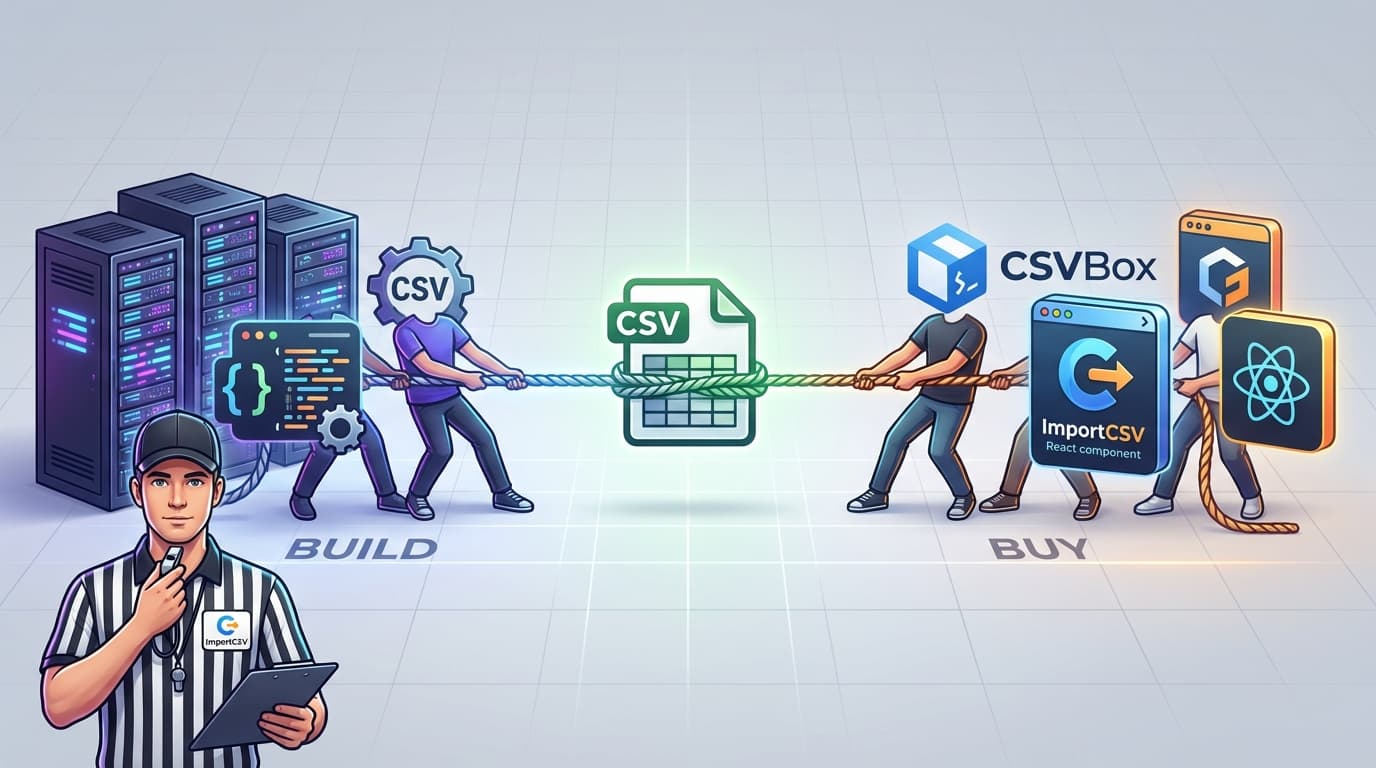
The best CSV import tool depends on what you're building, what you're spending, and how much you care about owning your data pipeline. For most teams shipping a SaaS product in 2026, ImportCSV offers the strongest combination: open-source, AI-powered column mapping, and a React component you can embed in under five minutes. But it's not the right pick for every situation.
We compared every major option across four categories—commercial SaaS, open-source libraries, developer tools, and built-in platform importers. We verified all pricing in February 2026 and found some surprises. Flatfile has rebranded to "Obvious" and is pivoting away from pure CSV import. Dromo raised its Professional tier by 25%. The gap between open-source and commercial tools? Much smaller than it used to be.
What Actually Matters in a CSV Import Tool
Here's the thing: not every CSV importer solves the same problem. What matters to a solo developer is totally different from what an enterprise procurement team cares about.
Column mapping is the big one. Your users will upload CSVs with headers that don't match your schema. Some tools handle this with manual drag-and-drop mapping. The better ones use AI to auto-match columns. Honestly, the difference in user experience between these two approaches is night and day.
Data validation determines how many bad records slip through. Client-side validation catches errors before data leaves the browser—good for privacy. Server-side validation can run more complex rules against your database. You want both.
File size limits vary wildly. Some tools cap at 100K rows. Others handle 10M+. If your customers upload enterprise-scale datasets, this is non-negotiable.
Security and compliance matter more than most comparison guides admit. SOC 2 Type II is table stakes for selling to mid-market companies. HIPAA? Only available on enterprise tiers from a handful of vendors. If your data can't leave the browser, client-side processing (like ImportCSV offers) sidesteps the compliance conversation entirely.
Pricing model is where the real differences hide. Per-import pricing sounds cheap until your usage spikes. Flat-rate plans are predictable but expensive at the low end. Open-source is free until you count engineering time—though with modern tools, setup takes minutes, not months.
Integration speed is the one people underestimate. Some importers drop into your app with a single React component. Others require a multi-week implementation with a dedicated customer success manager. That's a massive difference when you're trying to ship.
Commercial SaaS Importers Compared
Six companies sell embeddable CSV import widgets. We tested each one and read every pricing page we could find. Here's how they compare.
ImportCSV — Open-Source with AI Column Mapping
ImportCSV takes a different approach than every other tool on this list. It's open-source (MIT license), so you can self-host it, fork it, and never worry about vendor lock-in. There's also a hosted SaaS version with a free tier of 100 imports per month.
The killer feature is AI-powered column mapping. When a user uploads a CSV, ImportCSV's AI matches their columns to your schema automatically—no manual drag-and-drop required. Data stays client-side by default, which simplifies compliance. The React component integrates in about five minutes. No backend code needed.
The trade-off? It's a newer project with a smaller community compared to established players. We haven't stress-tested it against every weird encoding edge case out there. But the MIT license means you're not betting on a startup—you own the code regardless.
Best for: SaaS teams who want AI-powered import without vendor lock-in or enterprise pricing.
CSVBox — Cheapest Paid Option
CSVBox wins on price. $19/month for 1,000 imports with up to 10,000 rows each. That's way cheaper than anything else in the commercial space.
CSVBox supports CSV, XLS, and XLSX formats. It has AI column matching, custom validators, and webhooks for downstream processing. The JavaScript SDK is straightforward to integrate, and all plans include SOC 2 Type II compliance.
Where it falls short: the Growth plan ($99/month) caps at 100K rows per import. No self-hosting option. And removing CSVBox branding? That's $199/month. Annoying.
Best for: Budget-conscious startups that need a reliable importer without spending $500+/month.
Dromo — Mid-Market, Published Pricing
Dromo is one of only two commercial importers (alongside CSVBox) that publishes actual prices on its website. The Professional plan runs $499/month and includes 250 imports, after which you pay $2.50 per import. SOC 2 compliance is included, and white labeling comes standard.
Dromo's AI column matching and error fixing work well. The 100K row limit on Professional is fine for most use cases, and Enterprise customers get up to 10M rows with HIPAA BAA and GDPR DPA.
One thing that caught our eye: Dromo's Professional tier went from $399/month to $499/month between mid-2024 and 2026. That's a 25% price bump. The free tier only works in development mode, so you can't use it in production without paying.
Best for: Mid-market companies with clear import volumes who want to see prices before talking to sales.
OneSchema — Enterprise-Grade, Enterprise-Priced
OneSchema positions itself as the enterprise option. Its Pro tier includes AI FileFeeds for PDF extraction, an AI coding agent for custom transformations, and hosting options in the EU, Australia, and Canada. Enterprise customers get SSO, RBAC, and custom Rust servers optimized for datasets exceeding 10M rows.
The catch: no public prices. None. Every tier—Starter, Pro, Enterprise—requires you to request a demo or contact sales. The Starter plan caps at 1,200 annual file uploads, which hints at the scale they expect, but the actual dollar amount stays hidden.
That 60-day implementation support on Pro tells you something. This isn't a drop-in widget. It's a platform that takes real work to integrate.
Best for: Large enterprises with complex data onboarding needs, compliance requirements, and budget for a dedicated implementation.
Flatfile (Now Obvious) — Pivoting Away from CSV
Here's the biggest news in the CSV import space: Flatfile has rebranded to "Obvious" and is pivoting toward a broader AI data platform. After raising over $100M since 2018, they're betting on something bigger than spreadsheet imports.
What does this mean for current users? The product still works, but the direction has shifted. Pricing is now entirely "talk to sales"—no self-serve tiers visible anywhere. For context, the Professional plan used to cost $799/month when they actually published it.
Flatfile/Obvious still has strong compliance credentials: SOC 2 Type II, HIPAA, CCPA, and GDPR. The tech supports AI validation, collaborative editing, multi-step approvals, and self-managed deployments. But here's the question you need to ask: will Obvious keep investing in CSV import, or keep pivoting? We don't know the answer. That uncertainty is a real risk if you're choosing a tool today.
Best for: Enterprises already on Flatfile who need to decide whether to stay or migrate.
Osmos — Enterprise Data Onboarding
Osmos targets enterprise data ingestion pipelines. ML-powered automapping and no-code transforms for complex data onboarding. Recent integrations with Microsoft Fabric signal a focus on enterprise data infrastructure.
No public pricing. "Contact sales" all the way down. If you're reading a CSV import tool comparison, Osmos is probably more than you need—unless you're dealing with enterprise-scale data pipelines that go well beyond CSV files.
Best for: Enterprise data teams with complex, multi-format ingestion pipelines.
Pricing Comparison Table (Verified February 2026)
Here's every tool's pricing side by side. We checked each pricing page ourselves in February 2026—some of these numbers are hard to find.
| Tool | Free Tier | Entry Price | Mid-Tier | Enterprise | Pricing Visible? |
|---|---|---|---|---|---|
| ImportCSV | 100 imports/mo | Open source (free) | Hosted plans TBA | Self-host free | Partially |
| CSVBox | Sandbox (5 rows) | $19/mo | $99/mo (100K rows) | $199/mo | Yes |
| Dromo | Dev only | $499/mo + $2.50/import | — | Custom | Yes |
| OneSchema | None | Contact sales | Contact sales | Contact sales | No |
| Flatfile/Obvious | None (was 50 files/mo) | Contact sales (was $799/mo) | Contact sales | Contact sales | No |
| Osmos | None | Contact sales | Contact sales | Contact sales | No |
| PapaParse | Unlimited | Free (MIT) | — | — | Yes (free) |
This is frustrating. Only CSVBox and Dromo publish real numbers. OneSchema, Flatfile/Obvious, and Osmos all hide behind "contact sales" forms. If you can't tell me what something costs, I'm skeptical. ImportCSV's open-source option eliminates the pricing question entirely for self-hosted deployments.
Monthly cost at scale:
| Usage Level | ImportCSV (hosted) | CSVBox | Dromo |
|---|---|---|---|
| 100 imports/mo | Free | $19/mo | $499/mo |
| 1,000 imports/mo | TBA | $19/mo | $499 + $1,875 = $2,374/mo |
| 10,000 imports/mo | TBA | $99/mo | Custom (Enterprise) |
At 1,000 imports per month, Dromo's overage charges add up fast. CSVBox's flat-rate model looks increasingly attractive at higher volumes. ImportCSV's self-hosted option costs nothing at any volume—you just need to run the infrastructure.
Open-Source and Developer Libraries
Not every project needs an embeddable widget. Sometimes you just need a parser. Sometimes you need a component. Here's what's out there.
PapaParse — The Parser Everyone Uses
PapaParse is the default CSV parser for JavaScript. 12,000+ GitHub stars. Over 4 million weekly npm downloads. Multi-threaded browser parsing that handles gigabyte-scale files. Streaming support keeps memory usage low. It just works.
But PapaParse is a parser, not an importer. No UI. No column mapping. No validation workflow. If you need to parse a CSV file in JavaScript, PapaParse is the answer. Period. If you need users to upload, map, validate, and import CSV data into your app, you'll need to build on top of it.
ImportCSV (Open Source) — Full-Stack CSV Import
ImportCSV sits between "parser library" and "enterprise SaaS." The open-source version includes the same AI column mapping, React component, and validation features as the hosted product. Clone the repo, configure your schema, embed the component. Done.
Among open-source options, ImportCSV is the only one with AI-powered column mapping. Beamworks and TableFlow offer mapping UIs, but without the intelligence to auto-match columns. If you want the convenience of a SaaS importer without the SaaS pricing, this is the move.
Beamworks React CSV Importer
The Beamworks React CSV Importer gives you drag-and-drop column mapping and handles files up to 1GB. Decent if you want a basic mapping UI without any backend dependencies.
The downsides: no data validation, no editing, no AI matching, and limited active maintenance. About 100 GitHub stars. It solves one narrow problem—"let users map CSV columns in a React app"—and nothing else.
csv-parser (Node.js)
For server-side CSV processing in Node.js, csv-parser gives you fast streaming parsing. 1,300+ GitHub stars. Solid choice for backend pipelines.
Same caveat as PapaParse: it's a parser, not a frontend component. No UI, no column mapping, no validation. You'd use this in an API endpoint that receives CSV uploads, not in a user-facing import flow.
pandas read_csv (Python)
Python's pandas library includes the most powerful CSV reading function in any language. read_csv handles encoding detection, date parsing, type inference, chunked reading for large files, and dozens of other options. For data engineering and analysis, nothing comes close.
The limitation is obvious: Python-only, not embeddable in web apps. If you're building a data pipeline or doing analysis, pandas is unbeatable. If you're building a web app that needs user-facing CSV import, this isn't it.
Built-in Platform Tools
Sometimes you don't need a dedicated tool. These platform-native options handle CSV import for specific use cases, and they might be enough.
| Tool | Platform | Best For | Key Limitation |
|---|---|---|---|
| Google Sheets Import | Google Workspace | Ad-hoc uploads, small files | 10M cell limit, no validation |
| Excel Power Query | Microsoft 365 | Data transformation | Desktop-only, not embeddable |
| pgAdmin CSV Import | PostgreSQL | Direct database loading | Technical users only |
| phpMyAdmin CSV Import | MySQL | Quick MySQL imports | Manual column mapping |
| Supabase CSV Import | Supabase | Postgres-backed apps | Ecosystem lock-in |
Google Sheets Import works for ad-hoc uploads and small files. The 10-million-cell limit is generous for most manual workflows. Drag and drop a CSV file, Sheets parses it automatically. But there's no validation, no automation, and no API-driven import without using the Sheets API directly. For a quick visual inspection of CSV data before importing elsewhere, Sheets is hard to beat. For anything automated or user-facing, it falls short.
Excel Power Query is surprisingly powerful for data transformation. Business users can connect to CSV files, apply transforms, and refresh data on schedule. Power Query's M language supports complex data manipulation that rivals code-based solutions. The limitation: it's desktop-bound. No API, not embeddable in web apps, and useless for scenarios where your end users need to upload data through your application.
pgAdmin and phpMyAdmin offer CSV import directly into PostgreSQL and MySQL databases. Fine for developers and database admins loading data manually. Terrible for end users. No real column mapping UI, error messages are cryptic, and one bad row can abort the entire import. We've all been there. Use these for internal data loading, never for customer-facing workflows.
Supabase CSV Import provides a clean import experience for Supabase-powered applications. The table editor includes a visual CSV import flow with column type detection. The limitation is ecosystem lock-in—it only works within Supabase, and you can't embed the import widget in your own application's UI.
Each of these solves a specific problem well. None of them replaces a proper embeddable CSV importer for a SaaS product.
Which CSV Import Tool Should You Pick?
The right answer depends on your situation. Here's how we'd think about it:
You're building a SaaS product and need users to upload CSVs: Start with ImportCSV. It's free, open-source, and integrates in minutes. If you need a managed service with guaranteed support and prefer not to self-host, CSVBox at $19/month is the most affordable commercial alternative.
You're an enterprise with strict compliance requirements: OneSchema or Dromo Enterprise. Both offer SOC 2, HIPAA compliance (on enterprise tiers), and dedicated support. OneSchema's custom Rust servers handle 10M+ row datasets. Be prepared for a sales cycle and a multi-week implementation.
You just need to parse CSV files in JavaScript: PapaParse. Don't overthink it. 4M+ weekly downloads. Battle-tested. Free.
You're doing a one-off data migration: Google Sheets for small files. pgAdmin or phpMyAdmin for database loads. pandas for anything that needs transformation. Seriously, don't buy a SaaS subscription for a task you'll do once.
You're a budget-conscious startup: ImportCSV's free tier (100 imports/month) covers early-stage usage. If you outgrow it, self-host the open-source version for unlimited imports at zero cost. CSVBox's $19/month Startup plan is the next step up if you want managed hosting.
You're currently on Flatfile and wondering what's next: Flatfile's pivot to "Obvious" signals a strategic shift away from pure CSV import. Evaluate whether the product direction aligns with your needs. If you're looking for a Flatfile alternative, ImportCSV and CSVBox both offer migration paths at significantly lower cost.
Compliance Comparison
Security and compliance requirements drive more tool decisions than people realize. Here's where each commercial option stands as of February 2026.
| Requirement | ImportCSV | CSVBox | Dromo | OneSchema | Flatfile/Obvious |
|---|---|---|---|---|---|
| SOC 2 Type II | Client-side (data stays in browser) | All plans | Professional+ | All plans | Yes |
| HIPAA | N/A (no PHI stored) | Not advertised | Enterprise BAA only | Pro+ (addendum) | Yes |
| GDPR | Client-side compliant | Yes | Enterprise DPA only | Yes | Yes |
| Self-hosting | Yes (MIT license) | No | Enterprise only | Enterprise only | Enterprise only |
| Data residency | Self-host anywhere | Options available | Contact sales | EU/AU/CA on Pro | Contact sales |
The self-hosting option matters more than most teams realize. If you self-host ImportCSV, your data never touches a third-party server. That wipes out entire categories of compliance headaches. No BAA needed if no vendor processes your data. No data residency concerns if the data never leaves your infrastructure. Simple.
For healthcare companies, Dromo Enterprise and Flatfile/Obvious are the only options with explicit HIPAA BAA support. OneSchema offers compliance addendums on Pro and above. CSVBox does not advertise HIPAA compliance at any tier.
The Build vs. Buy Equation in 2026
The old build vs. buy argument went like this: building an in-house importer costs roughly $100,000 in engineering time (3-6 months with two engineers) plus $75,000 per year in maintenance. Buying a SaaS importer like Flatfile cost $799/month. The math favored buying.
That equation has a third variable now. Open-source tools like ImportCSV offer the features of a commercial SaaS—AI column mapping, validation, a polished React component—at zero licensing cost. "Build" no longer means building from scratch. It means deploying an open-source tool and customizing it.
When does building from scratch still make sense? When your CSV import workflow is so deeply integrated with your product's core logic that a generic tool can't handle it. When you need absolute control over every parsing edge case. When your security team won't allow any third-party code, even open-source. These situations exist, but they're rarer than vendors want you to believe.
For everyone else, the 2026 equation looks like this:
- Free: Self-host ImportCSV. MIT license. AI column mapping. No limits.
- $19-99/month: CSVBox for managed hosting with transparent pricing.
- $499+/month: Dromo or OneSchema for enterprise features and support.
- Contact sales: Flatfile/Obvious and Osmos for enterprise data platforms that go far beyond CSV import.
Paying $800/month for a CSV upload widget made sense in 2022. In 2026, with open-source options this good, it's a hard sell.
Wrapping Up
The CSV import tool market is doing two things at once. Enterprise players like Flatfile are moving upmarket into AI data platforms. Open-source options like ImportCSV are delivering AI-powered import for free. The middle ground—paying hundreds per month for a basic importer—is getting squeezed from both sides.
We haven't tested every possible configuration of every tool here. Pricing pages change, features get added, companies pivot. But as of February 2026, this is the most accurate snapshot we could put together.
If you're starting fresh, try ImportCSV. Install the React component, define your schema, and let the AI handle column mapping. Five minutes to a working CSV import flow. No invoice at the end of the month.
We'll update this comparison quarterly as things shift.
Wrap-up
CSV imports shouldn't slow you down. ImportCSV aims to expand into your workflow — whether you're building data import flows, handling customer uploads, or processing large datasets.
If that sounds like the kind of tooling you want to use, try ImportCSV .