
Customer Data Onboarding: 7 Best Practices That Actually Work
Customer data onboarding is your first impression after the sale. Here are 7 practices that cut time-to-value by 20% and reduce support tickets dramatically.

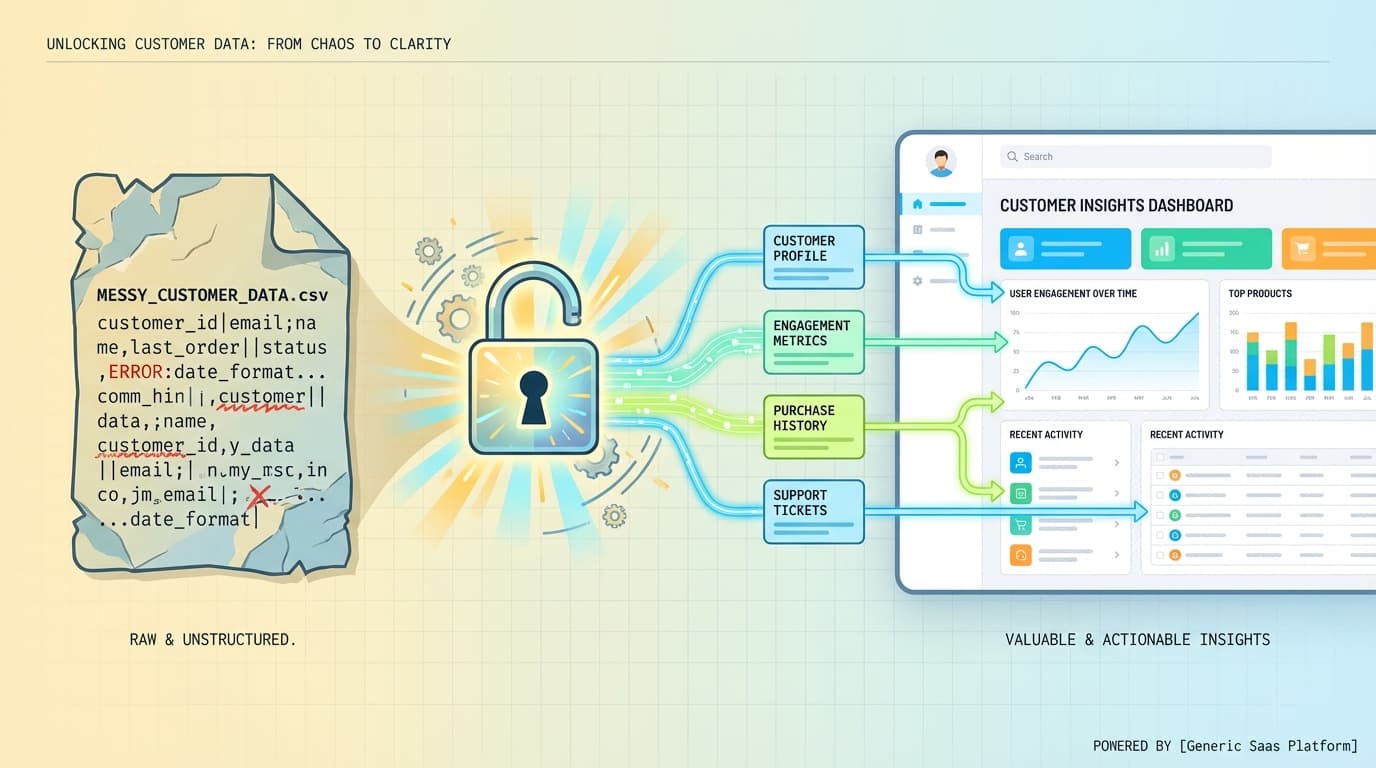
Customer data onboarding is how you get your customers' CSV files, spreadsheets, and databases into your product. Get it wrong and you'll burn through support tickets. Get it right and customers are productive within hours, not weeks.
Here's the thing most vendors won't tell you: a software application is just an empty box until data is ingested into the product. Your customers signed up because they need to do something with their data. Every day they spend wrestling with imports is a day they're not getting value from your product.
Bryan Kahlig, Senior Director of Product Development at Zywave, puts it bluntly: "The onboarding process is our first chance at making a good impression with customers after the dollars are already spent."
That impression matters more than you think. A 2024 Amplitude study found that cutting time-to-value by 20% lifted ARR growth 18% for mid-market SaaS companies. The math is simple: faster onboarding equals faster revenue.
Why Customer Data Onboarding Matters
Your customers have four questions running through their minds before they import their first file:
- How painful is this going to be?
- How long will it take?
- How much work will I need to do?
- How often do I need to update my data?
Every one of those questions is about friction. And friction kills deals, slows adoption, and generates support tickets.
Think about ClickUp's approach to competitor migration. They let users connect their Trello accounts and click "Import." That's it. The onboarding takes minutes, not days. That simple experience helps them win customers who dread the idea of manually recreating all their tasks.
The #1 challenge with onboarding data from multiple clients is that you've got no control over the format or quality you receive the data in. Some customers send perfectly formatted CSVs. Others send Excel files with merged cells, multiple header rows, and dates formatted seventeen different ways.
You can't control what your customers send you. But you can control how you handle it.
Common Customer Data Onboarding Challenges
Before we get to solutions, let's name the problems. Raj Rajasekar identified three predictable places where onboarding bottlenecks appear: data migration, business rules, and integrations.
Format chaos. Customer A sends a CSV with semicolon delimiters. Customer B sends an Excel file with data starting on row 4. Customer C sends a Google Sheets link. Each one expects the import to "just work."
Quality issues. Missing required fields, duplicate records, invalid email formats, dates stored as text strings. Your customers don't think about data quality. They just want their stuff in your app.
Manual bottlenecks. Every manual touchpoint creates delay. If your onboarding requires a customer success manager to review files, map columns, or run validation scripts, you've created a queue. Queues create wait times. Wait times frustrate customers.
One SaaS company (HRInsights) was losing hours of work every day to manual CSV processing before they automated their data onboarding pipeline. Hours. Every day.
The 4-Step Data Onboarding Pipeline
Whether you build it yourself or use a data onboarding platform, every solid implementation follows the same pattern:
Step 1: Ingest
Accept data from any source and format. Don't force customers to convert files or restructure their data before uploading. Russ Ronchi from Formula 3 Group explained their philosophy: "When I speak to a prospective customer, I don't ever worry about data... It doesn't matter how you're giving us this stuff, we're just going to stitch it all together."
This means supporting CSV, Excel (xls and xlsx), Google Sheets connections, and ideally copy-paste from spreadsheets. The more formats you accept, the less work your customers do.
Step 2: Transform
Map the incoming data to your target schema. This is where column mapping happens. "First Name" in the customer's file becomes "first_name" in your database. "Phone #" becomes "phone_number."
Good data onboarding tools handle this automatically. They detect column headers, suggest mappings based on content analysis, and let users confirm or adjust. Bad tools make users manually map every single column.
Step 3: Validate
Apply quality checks and business rules before the data hits your database. Check for required fields, format validation (emails, phone numbers, dates), uniqueness constraints, and referential integrity.
This step prevents garbage data from corrupting your production system. More importantly, it gives customers a chance to fix issues before they become problems.
Step 4: Deliver
Load the validated data into your target system. Monitor for errors. Provide clear success/failure reporting. If something goes wrong at this stage, make sure you can tell the customer exactly what happened and what they need to fix.
7 Best Practices for Customer Data Onboarding
Now the actionable stuff. These practices come from real implementations at companies like Zywave, ClickUp, and HRInsights.
1. Accept Data in Whatever Format Customers Have
Stop requiring customers to "prepare" their data before upload. If they need to open Excel, add column headers, remove merged cells, and save as CSV before they can import - you've already lost.
Build your importer to handle messy data. Detect header rows automatically. Parse inconsistent date formats. Handle extra whitespace. The more your tool can figure out on its own, the less your customers need to think.
2. Prioritize Data Security
Customer data is sensitive data. When transferring customer data, security should be a top priority.
Store data internally rather than sending it to third-party servers when possible. Use encryption in transit (TLS) and at rest. Get SOC 2 certified if you're handling business data. Give customers visibility into where their data goes and who can access it.
For GDPR compliance, minimize data collection (only import what's necessary), document your processing activities, and support data portability and deletion requests.
3. Provide Specific, Helpful Error Messages
Generic "import failed" errors are useless. One tenet of successful self-service data onboarding is detailed error messages. The more exact these can be, the more likely customers are to be able to fix issues themselves.
Bad: "Import failed. Please check your file and try again."
Good: "Row 47: Email field 'john.doe@' is invalid - missing domain. Row 152: Required field 'Company Name' is empty. Row 203: Phone number '555-1234' should include area code."
Show the row number, the field name, and what's wrong. Ideally, let users fix errors inline without re-uploading the entire file.
4. Automate Everything You Can
Manual processes don't scale. Template-driven, unified automated processes can significantly reduce manual effort, accelerate delivery timelines and enhance a business's data management.
If your customer success team is manually reviewing every import, you've built a bottleneck. If engineers are writing custom scripts for each customer's data format, you're wasting expensive resources.
CSVBox reports that pre-built CSV importers can save 4-6 months of dev time and deliver 5-10x faster onboarding. That's not marketing fluff - it's the difference between building data infrastructure and building your actual product.
5. Enable Real-Time Visibility
Having complete visibility is essential in detecting and correcting errors. Clear insights into your data pipeline enable real-time adjustments.
Build dashboards that show:
- Upload progress and status
- Validation results and error counts
- Records successfully imported vs. skipped
- Historical import logs for troubleshooting
Customers should never have to ask "did my import work?" They should be able to see it themselves.
6. Establish Data Governance Early
Establishing strong data governance policies to maintain data quality and compliances will help avoid potential downstream issues.
Before you accept your first customer file, define:
- What data fields are required vs. optional
- What formats are acceptable for dates, phone numbers, currencies
- How duplicates are handled (skip, update, or flag for review)
- Who can access imported data and audit logs
- How long raw import files are retained
Document these rules and communicate them to customers during onboarding.
7. Test with Real Customer Data
Your test data is too clean. Real customer data has problems you won't anticipate until you see them. Empty rows in the middle of files. Unicode characters that break your parser. Dates formatted as "March 15th 2024" instead of any standard format.
Get sample files from beta customers before you launch. Find the edge cases. Build handling for the weird stuff. Your production import experience will be dramatically smoother.
Tools for Customer Data Onboarding
Not every company needs to build their own data onboarding solution. Here's how the market breaks down:
CSV Import Tools (Embedded)
These tools embed directly into your product and handle file-based imports:
ImportCSV - Simple integration for SaaS products. Developer-friendly APIs, fast setup, startup-friendly pricing. Good for teams that want to ship quickly without hiring data engineers.
Flatfile - Enterprise-focused with collaborative workspaces. Powerful but complex. Recently rebranded to "Obvious." Pricing matches the enterprise positioning.
OneSchema - AI-powered column mapping with solid UX. Mid-market pricing tier.
CSVBox - Developer-first approach with clean APIs. SOC 2 and GDPR compliant, mobile-ready. Affordable for growing companies.
Dromo - Good validation features and React SDK. Smaller ecosystem than competitors.
Enterprise Data Platforms
Different category entirely - these handle large-scale data orchestration:
LiveRamp - Offline-to-online data onboarding, primarily for advertising and identity resolution. Enterprise pricing ($1M+/year).
Hightouch - Reverse ETL for marketing data activation. Great for syncing CRM data to ad platforms.
Tealium - Customer data platform for real-time orchestration. Enterprise-scale.
CloverDX - Data management and ETL pipelines. Good for complex migrations.
How to Choose the Right Solution
Ask yourself three questions:
What's your use case? If you're building a SaaS product that needs to import customer CSV files, you want an embedded importer. If you're doing large-scale data orchestration for marketing, you need a CDP or reverse ETL tool.
What's your technical capacity? Building data import from scratch takes 4-6 months of engineering time and ongoing maintenance. Pre-built tools let you ship in days. But some tools require more integration work than others.
What's your budget? Enterprise platforms cost enterprise money. Embedded importers range from free tiers to mid-market pricing. Match the tool to your stage.
For most SaaS companies needing customer data onboarding, the embedded CSV importer category (ImportCSV, Flatfile, OneSchema, CSVBox, Dromo) makes the most sense. You get the ingest-transform-validate-deliver pipeline without building it yourself.
FAQ
How painful is the data onboarding process going to be?
With modern tools, not very. Self-service importers let customers map columns, fix errors, and complete imports without waiting for support. The pain comes from building it yourself or using outdated manual processes.
How long does data onboarding take?
Depends on data complexity. Simple imports (contacts, products, tasks) take minutes. Complex imports with validation and transformation might take an hour. Enterprise migrations with millions of records take longer but should still be measured in hours, not weeks.
How much work will customers need to do?
Minimal if your importer is well-designed. Upload file, confirm column mappings, review and fix errors, click import. The goal is self-service: customers complete imports without contacting support.
How do I handle ongoing data updates?
Build your import flow to handle both initial loads and incremental updates. Use unique identifiers to match existing records. Give customers the choice to skip, update, or flag duplicates.
Start With the Customer Experience
How you handle data onboarding gives a critical first impression of you as a vendor. Customers remember the products that made them feel smart. They also remember the ones that made them feel stupid.
Design your data onboarding around customer success, not technical convenience. Accept messy data. Show helpful errors. Automate the boring parts. Let customers see exactly what's happening.
The companies that nail this see faster time-to-value, fewer support tickets, and stronger retention. The math works. The experience matters. Get it right.
Wrap-up
CSV imports shouldn't slow you down. ImportCSV aims to expand into your workflow — whether you're building data import flows, handling customer uploads, or processing large datasets.
If that sounds like the kind of tooling you want to use, try ImportCSV .